

Field Notes: How We Built It · Part 2 of 3
Website Migration SEO: Keeping the Rankings You Already Earned
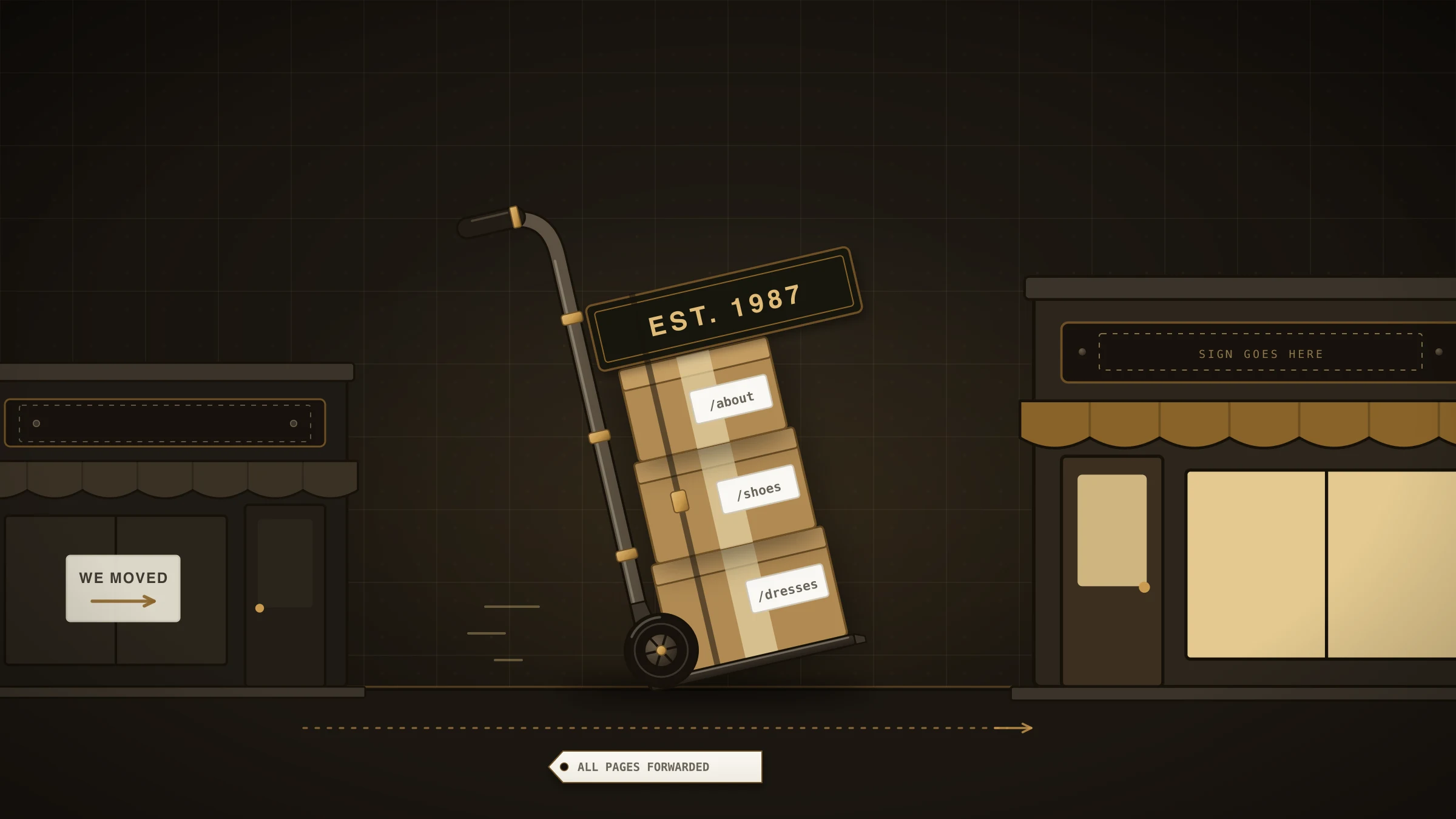
A new website feels like a fresh start, and that is the danger. If your business already shows up when people search, a careless rebuild can throw that away in an afternoon, and nobody notices until the phone goes quiet. Website migration SEO is the unglamorous work of making sure it does not happen.
The idea is simple. Whatever search visibility you have was earned by specific pages at specific web addresses. The new site's first job is to receive that, not to start over.
This field note shows how we approached it for Boutique Chic, a women's boutique in downtown Lake Orion, as part of our website design and online presence service. The method works for any shop, office or trade.
The website migration SEO problem in every rebuild
The ordinary search results list pages, not businesses, and a page is known by its address. When a rebuild changes the addresses, or moves the whole site to a new domain, the engine is looking at addresses it has not seen before. In our experience the history attached to the old ones does not follow by itself.
Most owners planning a rebuild are thinking about how the new site will look. That is fair, and we have written about the signs it is time to redesign. But the question to ask before any design work is duller and more valuable: what do we already have that we must not lose?
What we looked at first
For Boutique Chic we started with the search results, not the design.
We wrote a list of the searches a shopper in that town would plausibly type: the kind of shop, the kinds of things it sells, the shopping district. Then we ran each one and recorded what came back, counting only the ordinary unpaid results and the map listings, with the ads set aside.
Two details of the method matter more than the tools.
Search from where the customer stands. Results change with location. A search run from our office in Clarkston is not the search a shopper sees standing on the shop's street. We set the location to the shop's town, then repeated it for the neighboring towns.
Use a clean browser. Your own browser flatters you. In our experience a browser that has visited your site many times shows your business more favorably than a stranger would see it. We ran the scan in our working browser, then checked every finding again in a fresh one with no history and no login. Only the clean results went into the plan.
The output is a plain table: the search, and which of the shop's addresses appeared for it. That table is the inventory. Everything in it has to survive the move.
The decision: build on the address that holds the visibility
The inventory for Boutique Chic pointed at a web address the shop already owned. So the decision was to build the new site on that same address, rather than launch on a new one and point the old one at it.
A redirect would also have been a legitimate choice. We preferred the option with no moving parts. When the address does not change, there is nothing for a search engine to re-learn. The addresses in the inventory stay exactly as they were, and the new site simply answers at them.
The plan also lists the other places that can point at a shop like this: the Google Business Profile, the social page, local shopping directories, a supplier's stockist page. The aim is for each of them to name the same address, so that the listing, the links and the site all agree.
Category pages, not a page per item
The second decision was about what to add. A shop with a small, changing stock is tempted to make a page for every item. We chose category pages instead: jewelry, apparel, bags and wallets, accessories, and Michigan-themed gifts.
A category is what a shopper searches for, and it stays true when individual pieces sell out. Each category page has its own title, a short introduction written for that town, and the items in it. A page per item would have meant many thin pages that go stale. You can see the result in our portfolio.
When the address does have to change: 301 redirects
This section is general advice and not part of the Boutique Chic story, where the address stayed put. Often a business cannot keep every address. The old platform used addresses the new one cannot reproduce, or the business is renamed and a domain change is unavoidable. Then the tool is a redirect, and Google's own guidance is specific.
A 301 redirect is a permanent forwarding instruction: anyone, person or crawler, who asks for the old address is sent to the new one. Google's guide to site moves with URL changes recommends permanent redirects such as 301 and 308, states that they "don't cause a loss in PageRank", and says to keep them "for as long as possible, generally at least 1 year".
Permanent is the important word. Google's documentation on redirects and Search explains that a permanent redirect is treated as a signal that the new address should be the one shown in results. A temporary redirect is not.
For domain change SEO the practical rules are short:
Redirect each old page to its closest new equivalent, one to one. Sending everything to the home page throws the detail away.
Expect some movement. The same Google guide says visibility "may fluctuate temporarily during the move" and calls that normal.
How to keep rankings after a rebuild of your own
You can do the inventory yourself before you talk to anyone.
List fifteen searches a customer would type, including your town and its neighbors.
Run them in a private window, with your location set to where customers are.
Note every address of yours that appears. Add the pages other sites link to.
Hand that list to whoever builds the new site, with one instruction: these addresses stay, or each one gets a permanent redirect.
After launch, run the searches again and visit each old address to confirm it lands somewhere sensible.
One caution. None of this is a guarantee. Google states in its guide to how Search works that it does not guarantee it will crawl, index or serve any page. The inventory only makes sure you do not lose visibility through carelessness.
And if your current site appears for nothing at all, skip the ceremony. There is nothing to protect, and the money is better spent on the new pages.
Before you approve a design
Run the fifteen searches first. If you would rather hand it off, we will run the scan from your town in a clean browser and show you what your current site holds, as part of a free review. It is the same first step we take in our local SEO work. Tell us about the rebuild and we will start there.
Comments
Be the first to comment.