

Winning Local Search · Part 8 of 9
Google Business Profile Categories: Primary, Secondary and Why They Matter
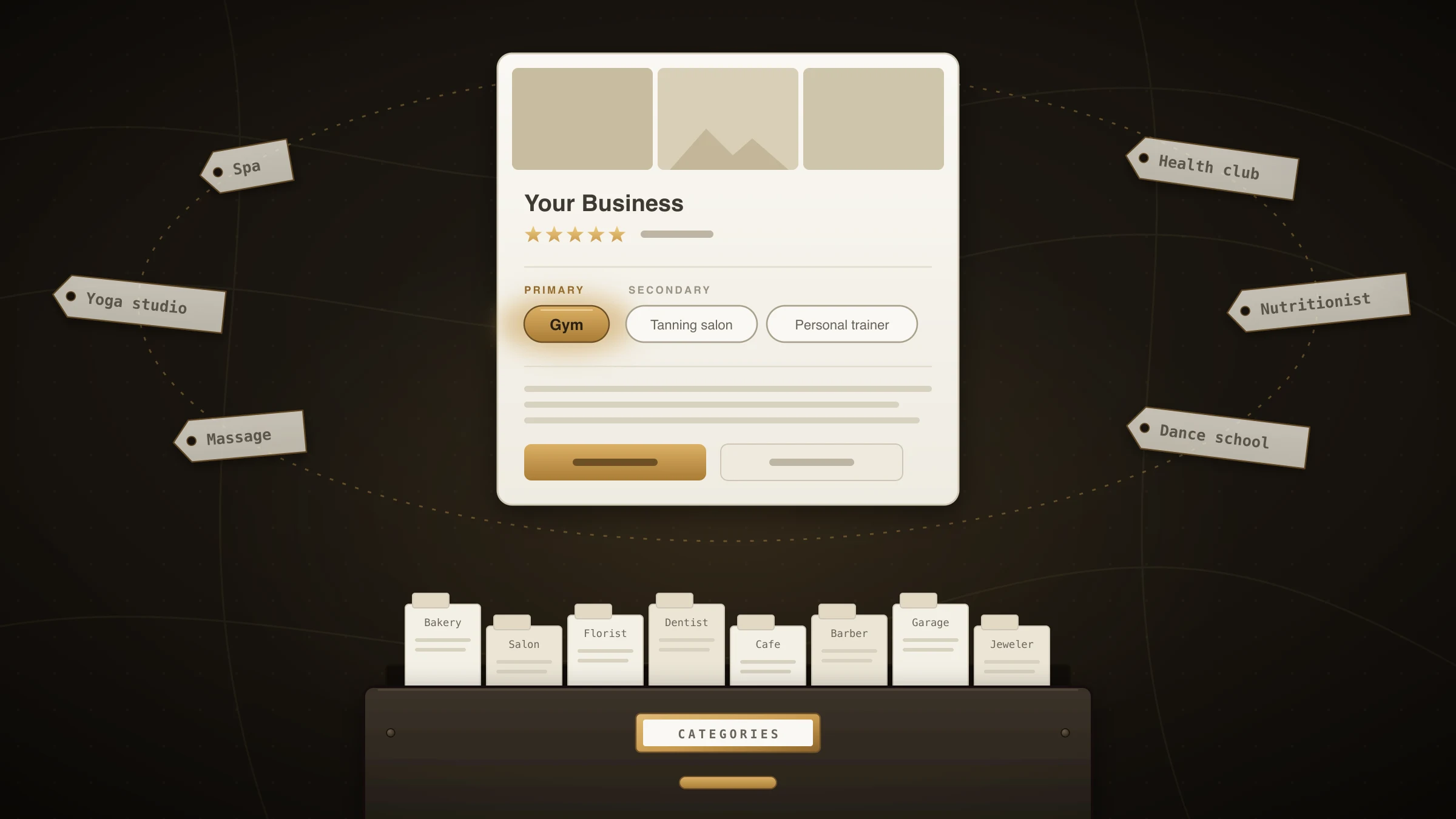
When you set up your Google listing, it asked what kind of business you are. You typed a word or two, picked the closest match from the dropdown and moved on. In our experience that one choice decides more about which searches you show up for than anything else on the profile, and most owners never look at it again.
Google Business Profile categories tell Google which searches you belong in. Get them right and the rest of the profile has something to build on. Get them wrong and good reviews and good photos are working for a listing filed in the wrong drawer. Checking them is the first thing we do in any local SEO project.
How Google Business Profile categories work
You get one primary category and room for a few additional ones, which most people call secondary categories. You cannot write your own. You type a word and choose from the business category list Google provides.
Why it carries so much weight comes down to how local results are ranked. Google's help page on local ranking names three factors: relevance, distance and prominence. Relevance is "how well a Business Profile matches what someone is searching for", and the category is the plainest statement on the whole profile of what you are.
The people who study this for a living agree. Whitespark's 2026 Local Search Ranking Factors survey asked 47 local search experts to rank what matters for the map results, and the primary category came out first. That is a survey of expert opinion, not data from Google, but it lines up with what we see when we fix one.
Choosing the GBP primary category
Google's rule is short. Its guidelines for representing your business say to choose categories that are "as specific as possible, but representative of your main business". That gives you two tests.
Is it the most specific true option? If the list offers something narrower than "Contractor" that describes most of your work, take the narrower one. A broad category puts you in a contest with every business in the county. A specific one puts you in a smaller contest, against the businesses that really are your competitors, for searches from people who want exactly what you do.
Does it describe where the money comes from? Not what you wish you sold more of, and not the part of the business you enjoy. A shop that sells and repairs, and earns most of its income from repair, is a repair shop first.
One practical check: search your main service the way a customer would and look at the businesses in the top three on the map. The category usually shows under each name. If all three use one category and you use another, find out why before you assume you are right.
When to add secondary categories
Add one when you have a second line of business that customers search for separately.
Take a gym that also offers tanning. Nobody looking for a tanning bed types "gym". They search for tanning, and a profile categorised only as a gym has given Google little reason to show it for that search. Adding the tanning category as a secondary tells Google the business belongs in both.
The test we use is simple. Would someone search for this on its own, without your main business in mind? Tanning passes. A gym's smoothie counter does not, because nobody chooses a gym membership to get to a smoothie.
Then back the category up. List the service on the profile by name, add photos of it, and give it a page of its own on your website. A category with nothing behind it is a claim. A category, a service entry and a page that all say one thing is evidence, and it is the same evidence that decides who gets into the map pack.
What not to add
The same Google guidelines say to "use as few categories as possible to describe your overall core business". So the instinct to tick everything loosely related is the wrong one.
Leave out:
Categories for work you do not do, or do once a year as a favour.
Categories for things you would like to start offering.
Categories that describe your customers or your products' uses instead of your business.
In our experience, a pile of loosely related categories blurs the profile. Two or three accurate ones beat nine hopeful ones.
One related temptation: the Whitespark experts rank keywords in the business name third among map factors, which is why you see listings with a town and a service bolted onto the name. Google's guidelines do not permit keywords or taglines there, so let the category say what you do and leave the name alone.
Why this is worth ten minutes twice a year
Categories are not a set-once job, for two reasons. Businesses change: you add a service, drop another, and the profile still describes the shop you ran three years ago. And in our experience Google's list changes too, so a better fit may exist now that did not when you signed up.
Getting it right pays in more than ranking. Google's own figures, collected in Search Endurance's roundup of Business Profile statistics, say customers are 2.7x more likely to consider a business reputable when its profile is complete. The category is the first line of a complete profile. If you have not been through the other fields lately, our profile setup guide walks through them.
When not to worry: if your primary category already matches your main work exactly and you have no second line of business, you are finished. Do not add categories for the sake of activity.
The next step
Open your profile, read the primary category out loud and ask whether a stranger would describe your business that way. If you are not sure, or the list offers three near matches, send us a note. We look at categories for Michigan businesses in every free review, and it is often the quickest fix we find.
Comments
Be the first to comment.